Your team of workers is ready to start restoring the building! The area is full of old furniture, debris, and damaged structures blocking the way forward. Your main goal is to clear and repair each area to reach the next level behind the door at the back of the room.
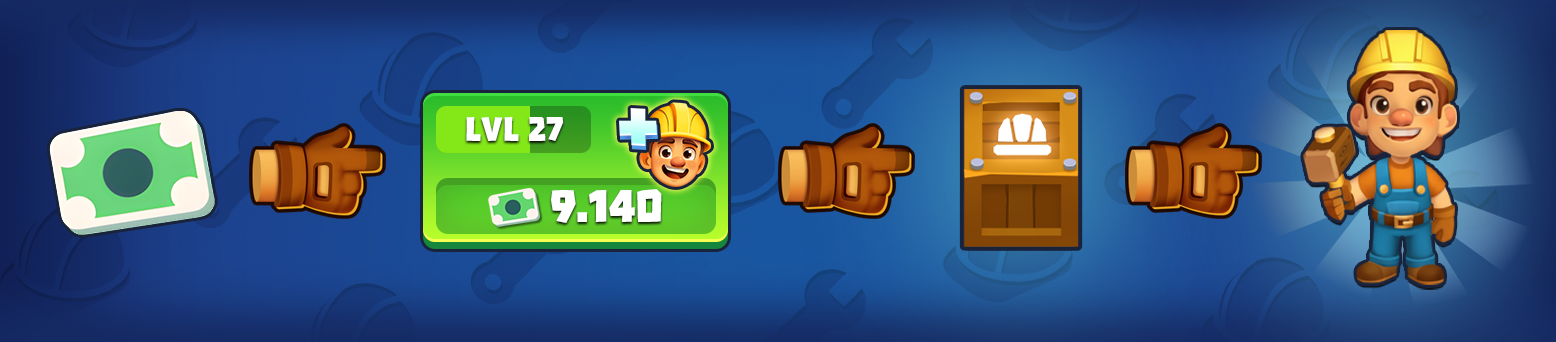
To begin, you’ll need cash. You start with enough money to hire your first worker. Tap the button at the bottom of the screen to hire a worker.
Once hired, the crane will drop a box in front of the workbench. Tap on it to activate and take control.
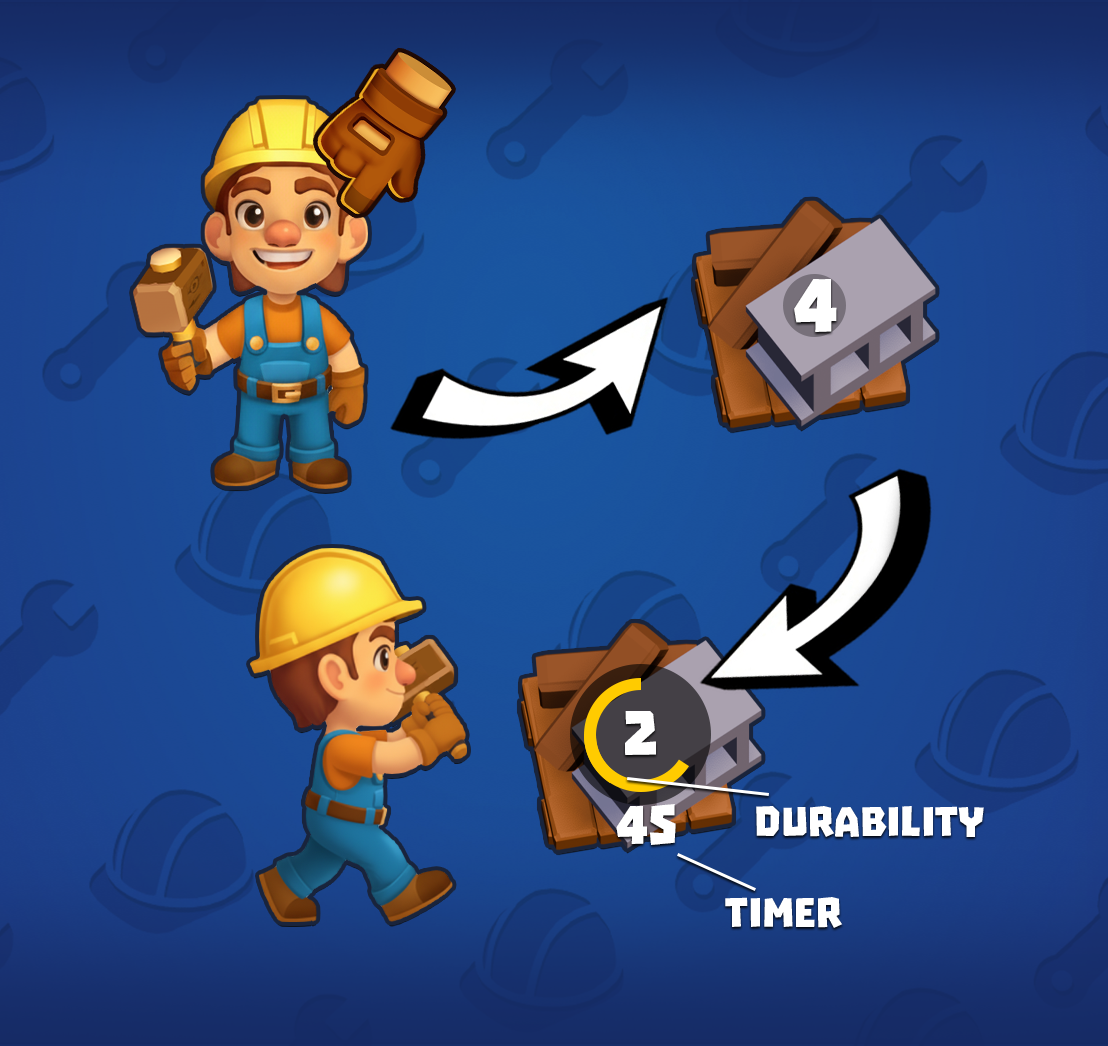
Workers won’t do anything on their own — they will stand idle until you give them a task. Drag a worker onto the nearest pile of debris or furniture to start clearing it. The lower the number shown on an object, the faster it can be cleared.
While a worker is clearing an object, you’ll see a circular progress bar and a timer. The bar shows how much work is left, while the number gives you an idea of how long it will take.
When a worker finishes clearing an object, they will automatically look for another nearby task to work on. If there’s nothing next to them, the worker will stop doing their job until you assign them a new task. Drag them to the next object you want to clear.
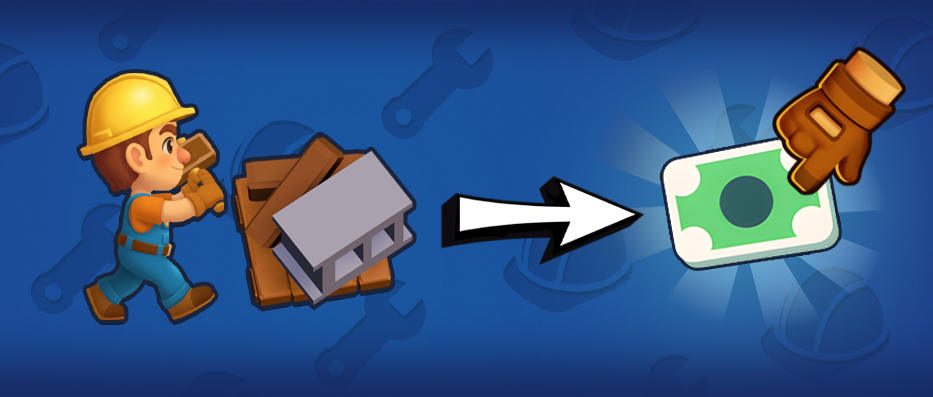
Clearing objects may reward you with useful resources such as blueprints, lunchboxes, or more cash. Don't forget to tap on the rewards to collect them.
Keep hiring more workers as you earn more cash! A worker’s level is shown as a number next to them. You can assign them to different areas to work in parallel, or place them on the same object to finish it faster.
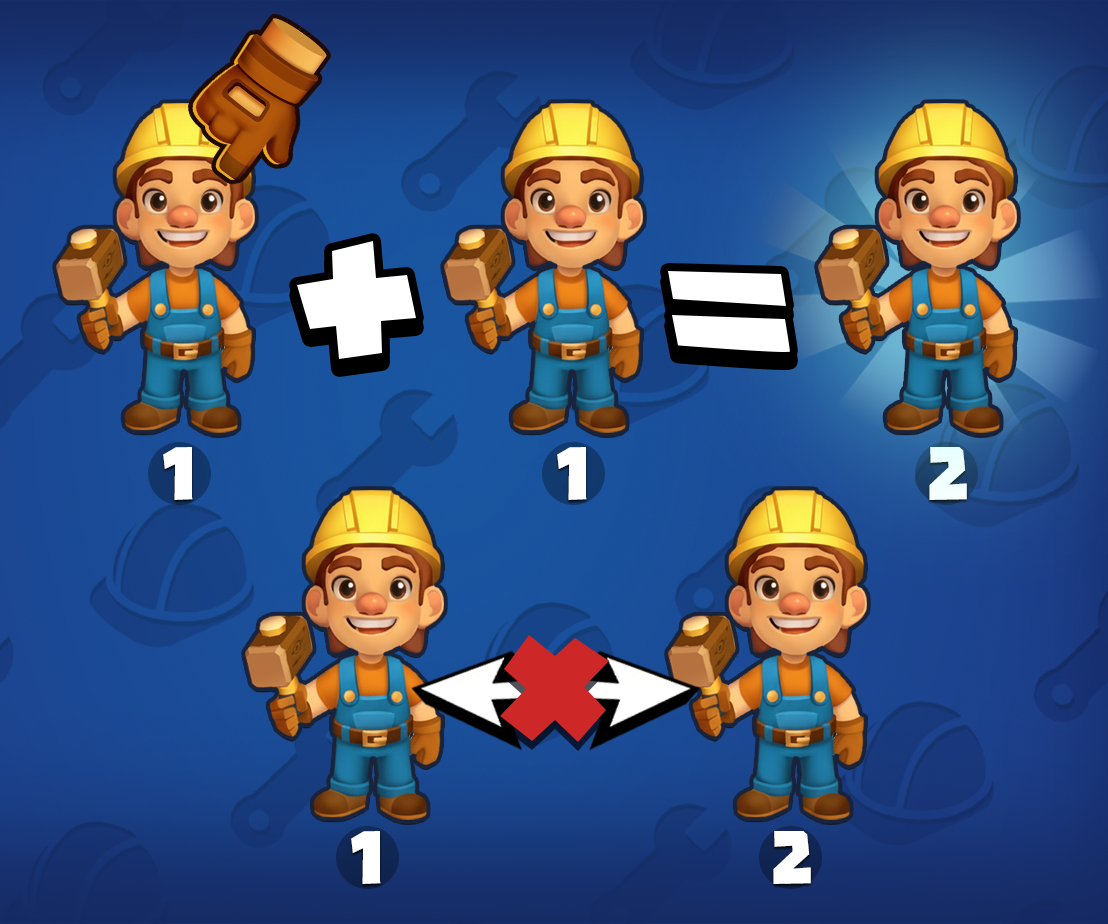
You can also merge workers to create a higher-level worker. Simply drag one worker onto another. The resulting level 2 worker is faster and more efficient than two level 1 workers, making this a great way to optimize your progress as the building becomes more challenging to restore.